3. Finalise your list
Send your list to the Library
All lists need to be sent to the Library for review. Once sent, each pending item will be processed.
Click the My list is ready button at the top of the list.

Tick Also publish list to students to instantly make all complete readings available to students during the course term.
Click Send.
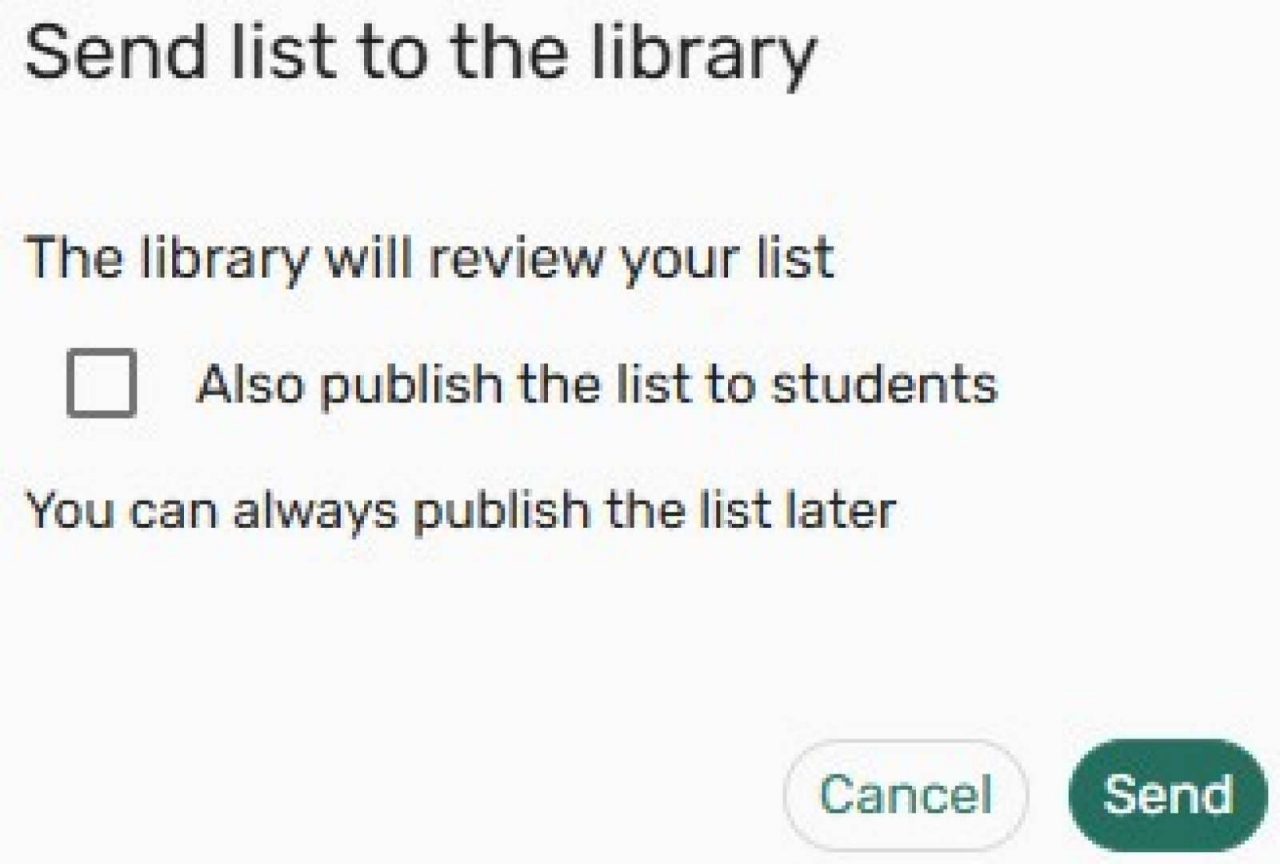
The Library will review pending items and publish your list if not yet published.
To unpublish your list, click the List menu (3 dots on the right-hand side of top tool bar). Select Unpublish list from the drop-down menu.
Share a link to a list, section or item
Click the share symbol besides the list, section or item you’d like to share. Click the Copy shareable link button.

Copyright
For information about copyright requirements, see Copyright.
Related information
Contact
Contact the Library team for help with your Reading Lists